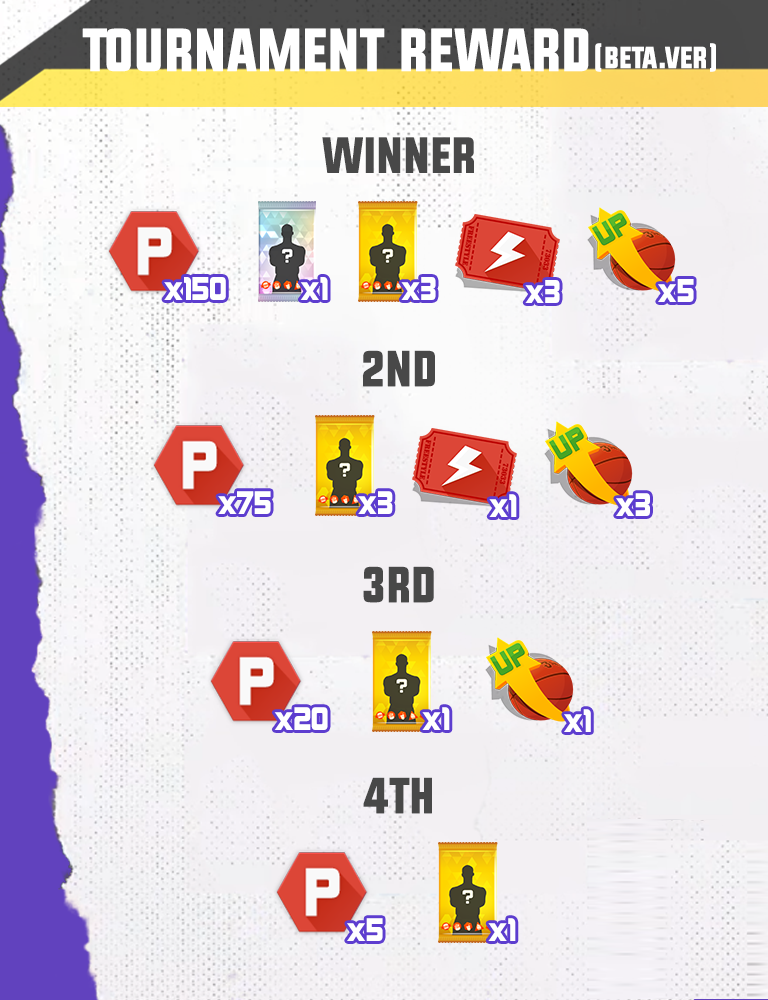









The following are the updates for the end of this month.
[System]
1. Tournament Mode Update (Beta. Ver)
We know you all await for the tournament system!
Participate JOYCITY CUP and be the best team in the FS City!
Let’s check how to enroll your entry!
*Current Tournament Mode is in beta version. More functions will be added in future.
1) How To Enter Tournament Mode

-You can enter the [Tournament Mode] under Play section
-You must be at least User Level 20 to participate the Tournament match
-You can enter Tournament Mode and spectate tournament without user level limitation
-Regular tournament will be held 3 times on every weekend (Fri, Sat, and Sun). Host hour will be varied based on the server region
*Regular Tournament Open Hour
Region | 1st Time | 2nd Time | 3rd Time |
NA - East | 15:00 (PDT) | 17:00 (PDT) | 19:00 (PDT) |
NA - West | 15:00 (PDT) | 17:00 (PDT) | 19:00 (PDT) |
EU | 08:00 (PDT) | 10:00 (PDT) | 12:00 (PDT) |
ASIA | 02:00 (PDT) | 04:00 (PDT) | 06:00 (PDT) |
2) Tournament Grade
-3 different Tournament Grade entries available: Amateur, Semi-Pro, and Pro
-You need to collect Tournament Score by participating tournament match to enter higher grade
-You will get more rewards if you are in higher tournament grade
3) How To Participate Tournament
[Create Your Entry]

-Select your interested Tournament and enroll your entry
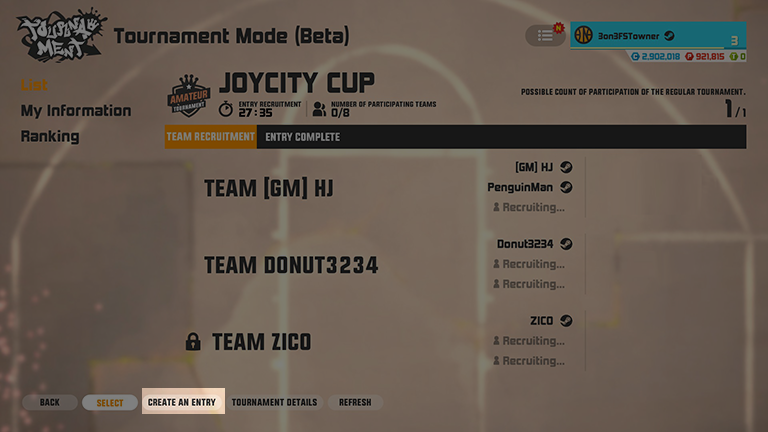
-Press [CREATE AN ENTRY] to create your line-up
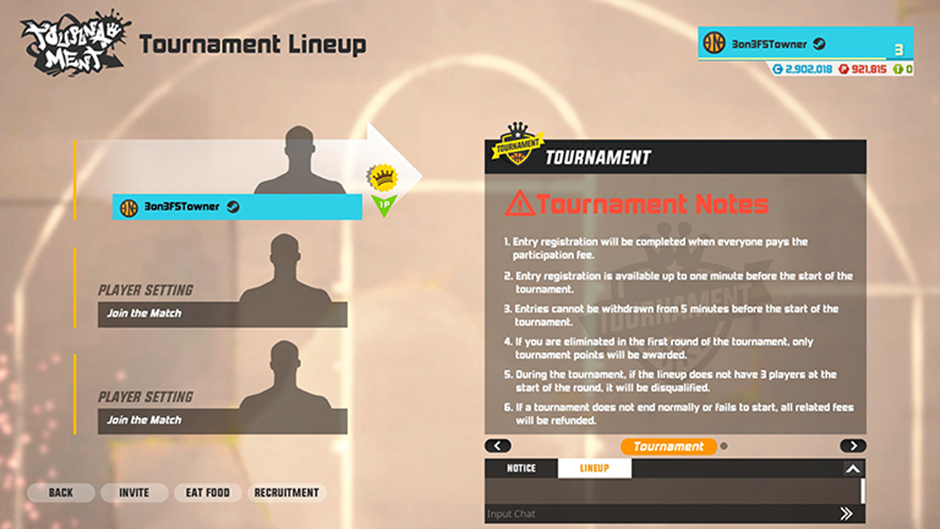
-You can see tournament information in your lineup
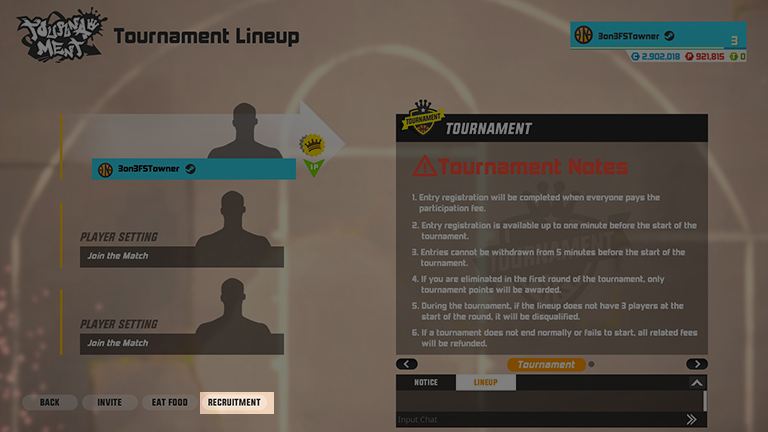
-You can invite your friend or accept participation request from other users to form your team
-To allow participation request, press [RECRUITMENT]

-Input your recruitment message to advertise your team!
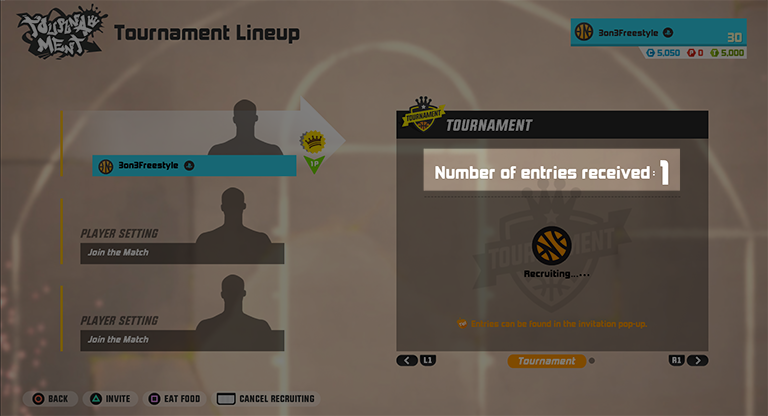
-Once you receive the participation request, you can see how many interests you received in the right UI

-You may need certain amount of Tournament Score to enroll your entry
-You can enroll your entry once per day. Your enroll limit will reset on 00:00 PDT everyday
-You can enroll your entry 1 min of the tournament starts
-You cannot cancel your entry before 5 min of the tournament starts
-You can invite your friend or accept participation request from other users to form your team
-To accept participation request, press [RECRUIT]
-To accept participation request, press [INVITE] and select player you would like to accept
-After forming 3-member-squad, you can finish your enrollment by paying the entry fee. When you enroll, all members must be online
-Your entry fee will be refunded if you cancel your enrollment or tournament is not opened
[How To Join Other Player’s Entry]
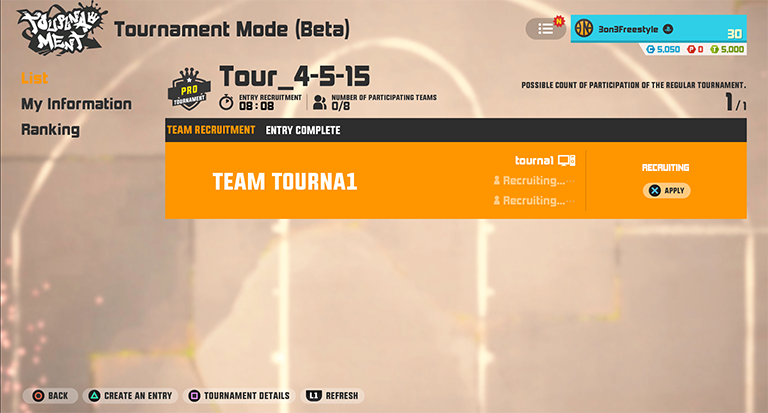
-Select entry team you would like to join
-You can only join entry without the lock icon
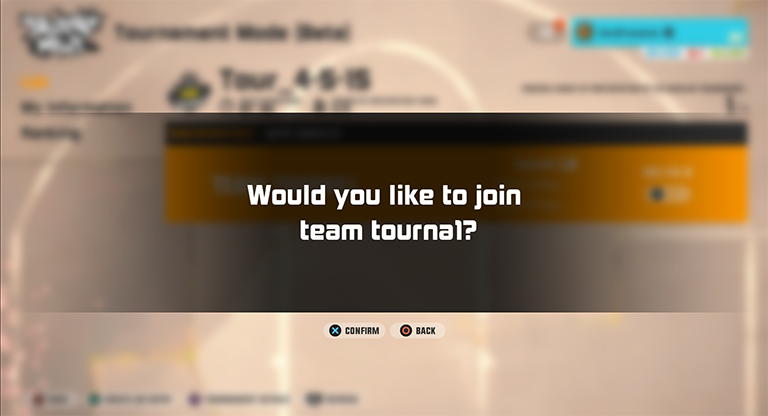
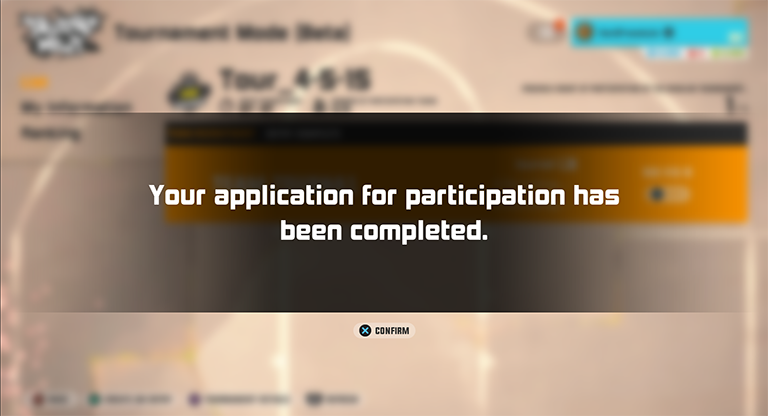
-Press [APPLY] to send your participation request
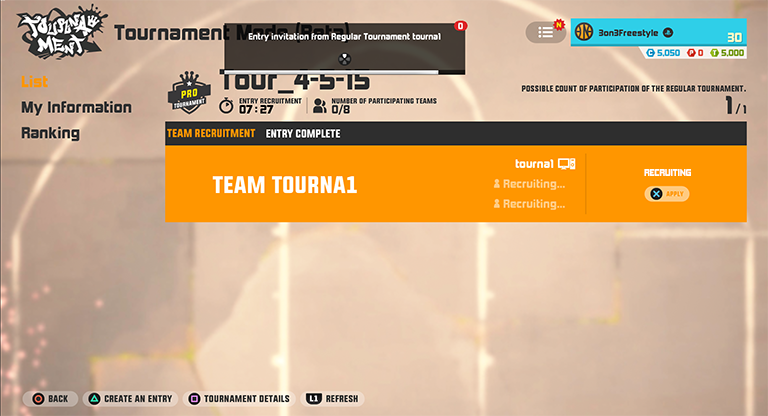
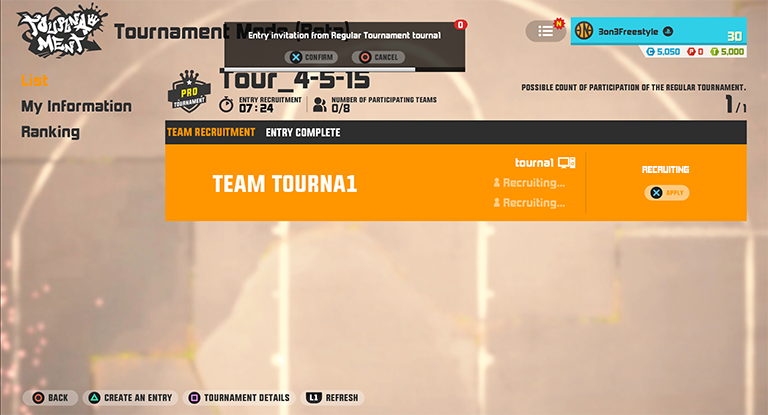
-If line-up leader accepts your request, you will see the invitation notice
-Accept the invitation to join the line-up
[Finish Your Enrollment]

-After forming 3-member-squad, you can finish your enrollment by paying the participation fee. When you enroll, all members must be online
-You may need certain amount of Tournament Score to enroll your entry
-Participation fee may be points or coin. For beta version, 1,000 coins will be paid for participation fee
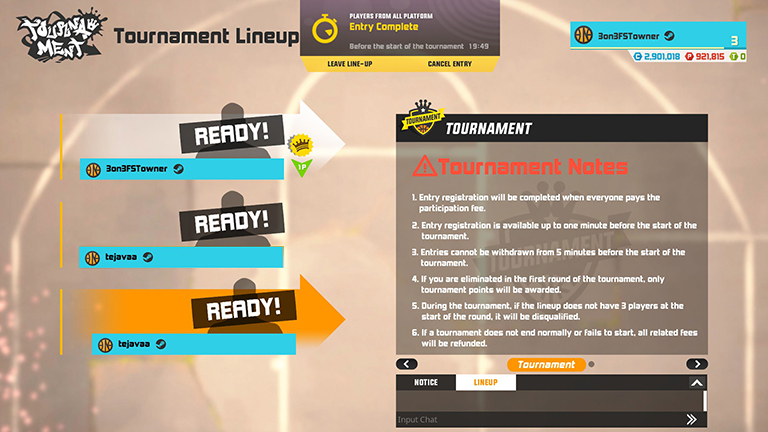
-Once everyone finished enrollment, your entry is completed!
-You can freely navigate other menu while you wait for Tournament starts
[Important Notes]
-You can enroll your entry once per day. Your enroll limit will reset on 00:00 PDT everyday
-Your entry limit will be counted once your enrolled tournament starts. If you cancel your entry before the tournament start hour, your enroll limit will not be consumed
-You can enroll your entry 1 min of the tournament starts
-You cannot cancel your entry before 5 min of the tournament starts
-Your entry fee will be refunded if you cancel your enrollment or tournament is not opened
-Tournament will start after 30 min of tournament opens! Be ready before the match starts!
4) How To Play Tournament
[Basic Rule]-Tournament match will start after 30 min of tournament opens
-When minimum entry teams are not checked-in, tournament will be canceled. Minimum entry is varied by tournament type
-During beta version, at least 6 teams are required to start tournament
[Match Process]
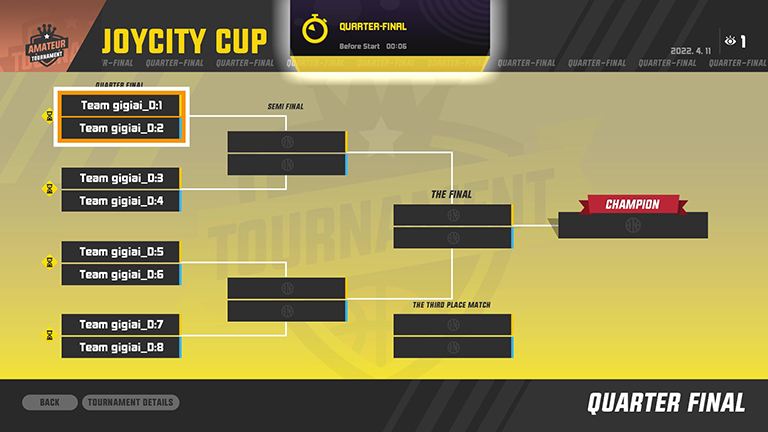
-You can see your list of matches once tournament starts. Your opponent team will be randomly selected from entries
-After each round, you will have 1 min of break time
-If you lose for your round, you can still spectate the remaining match
[Important Notes]
-If your line-up leader disconnects, remaining member will be auto-exited for next round
-If tournament match proceeds with party without leader or having problematic match in Final round, tournament will be auto-ended after 15 min
-Any ongoing tournament will be cancelled during the maintenance hour
[Be The Winner]
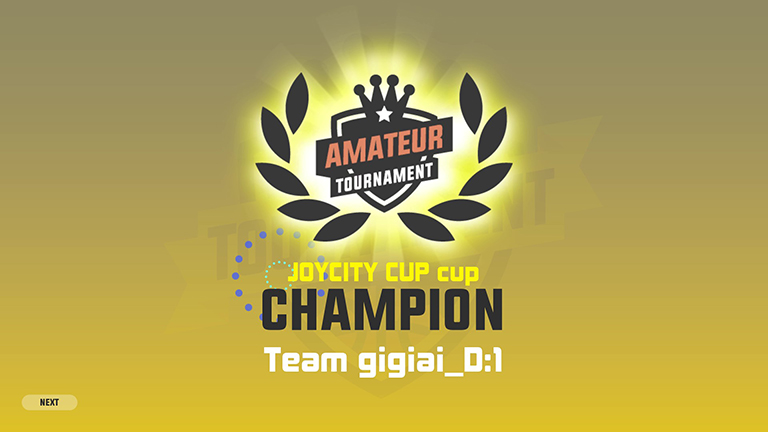

-When all matches are over, you will see the winner and rewards. Your reward will be delivered to your message box
-Any ongoing tournament will be cancelled during the maintenance hour
*If your line-up leader disconnects, remaining member will be auto-exited for next round
5) How To Spectate Tournament

-You can select your desired tournament match to spectate
-You can only spectate after tournament starts and ongoing match
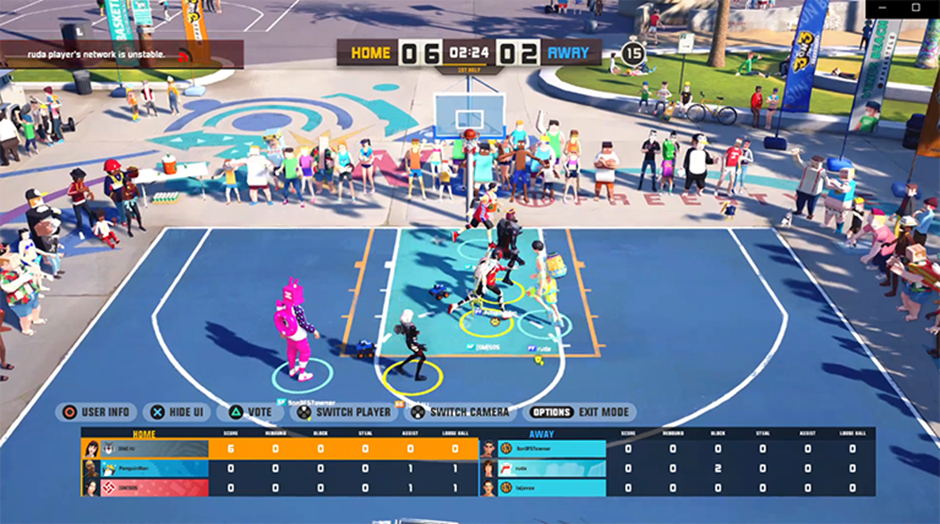
-If you are participants, you will be moved to spectate player once you lose the game
-When you first enter the tournament spectate mode, you will see the current progression of the tournament
6) Check Your Tournament Record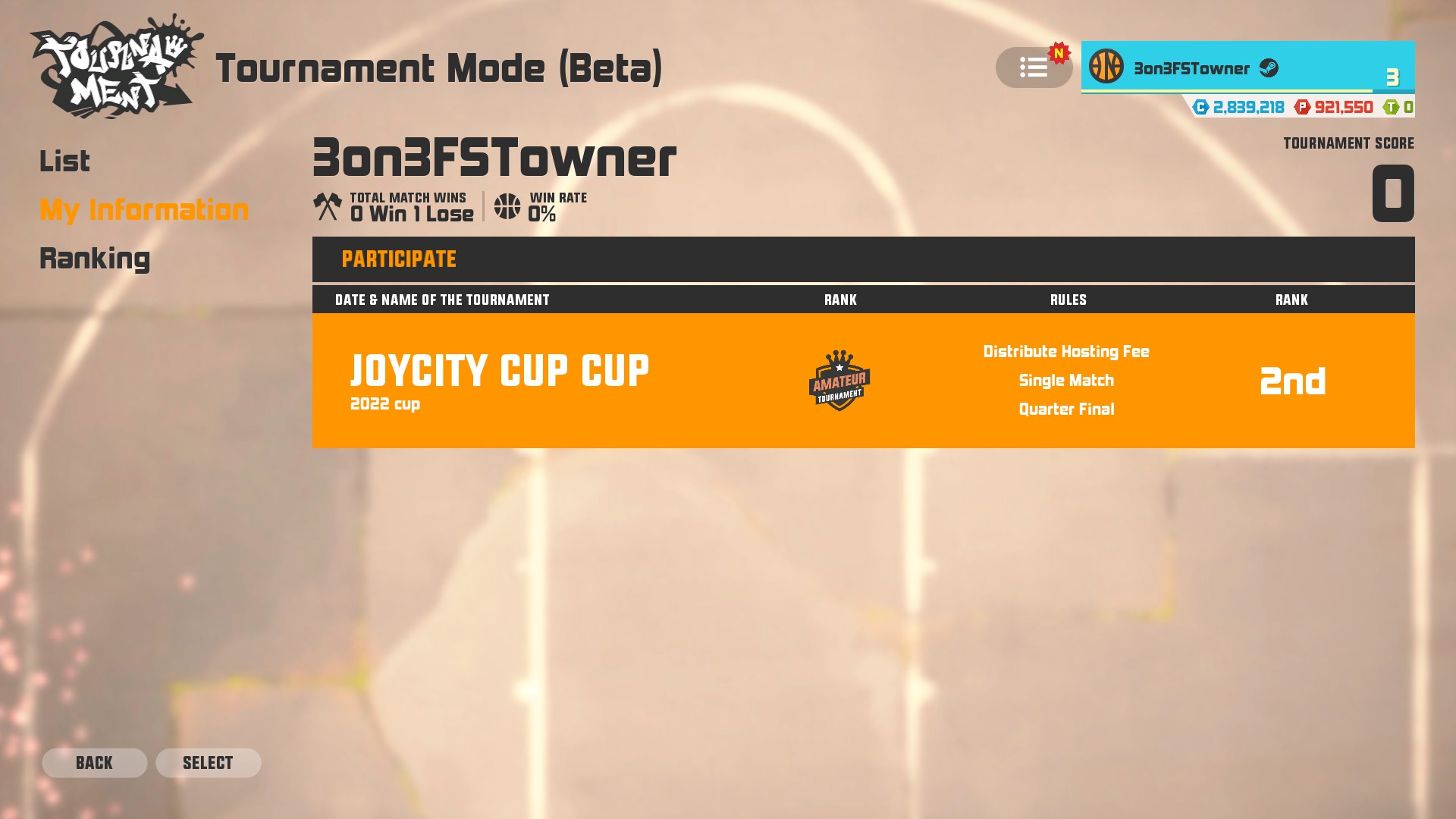
-You can check your tournament record in Tournament Mode page
-You can see your participated and hosted tournament record
-You tournament list will show your current 10 records
-Your list will be removed after 2 months
-You can see tournament detail by selecting your tournament list
7) Be The Top Tournament Player

-Based on your tournament score, top 100 players will be determined
-You can see winning matches, MVP, tournament score, and rewarded points of top players
During BETA version, you will receive the following rewards based on your tournament result.